Delta Sharing: A Guide for SaaS Teams Sharing Data With Customers
How the open sharing protocol works, what customers need to read a share, and when it beats exporting data into their warehouse.
By Warehouse Wire Editors · Updated
Delta Sharing is an open protocol for giving another organization read access to tables you keep in cloud object storage, without copying those tables into their systems. Databricks developed it, publishes it as open source, and builds its own sharing, Marketplace and Clean Rooms products on top of it.
For a B2B SaaS product it answers a narrow question: can a customer read the data you hold about them, live, in the tool they already use, without you building a pipeline into their warehouse? This guide covers how the protocol works, the three ways to run it, what each customer needs on their side, where the costs come from, and how it compares with exporting data into the customer's own warehouse.
Delta Sharing and OpenSharing: same protocol, two names
Databricks' documentation now calls its sharing platform OpenSharing. The open-source project on GitHub, the protocol specification, the delta-sharing Python package and the Spark connector's deltaSharing format still carry the Delta Sharing name. When you read either name in a vendor's docs or a customer's security questionnaire, it is the same protocol.
How Delta Sharing works
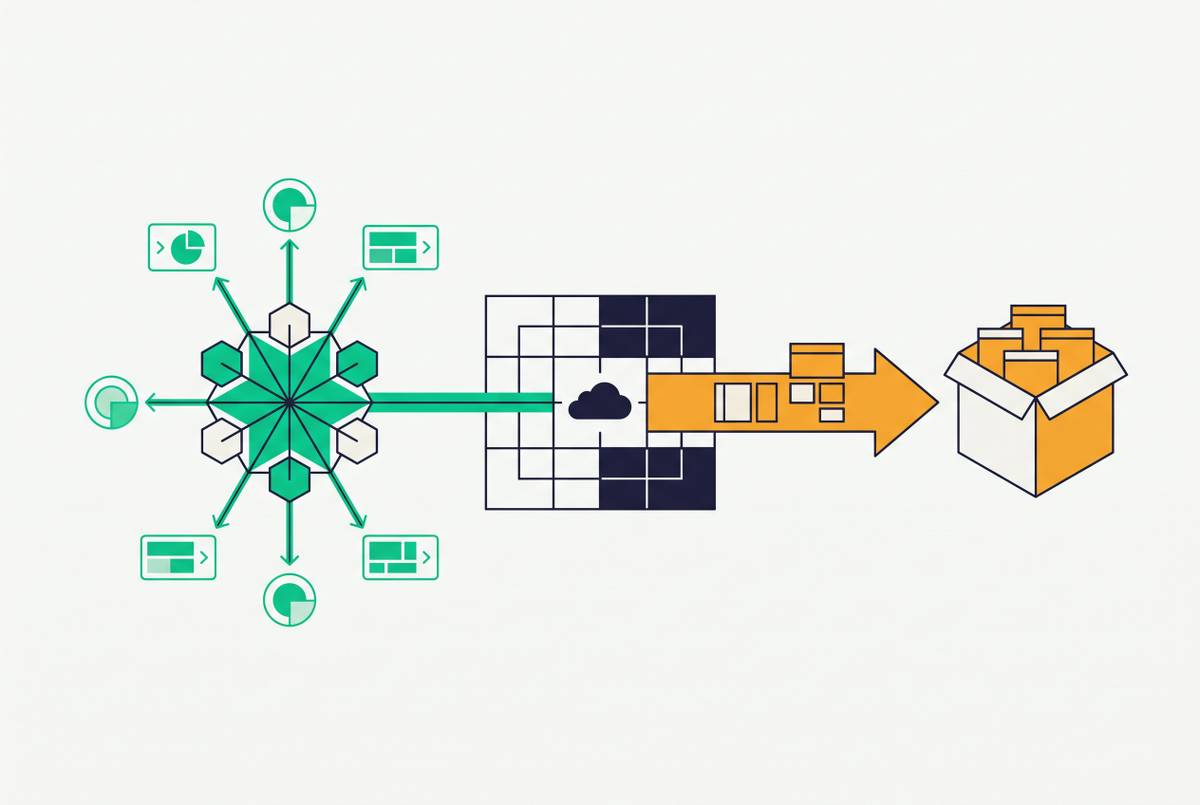
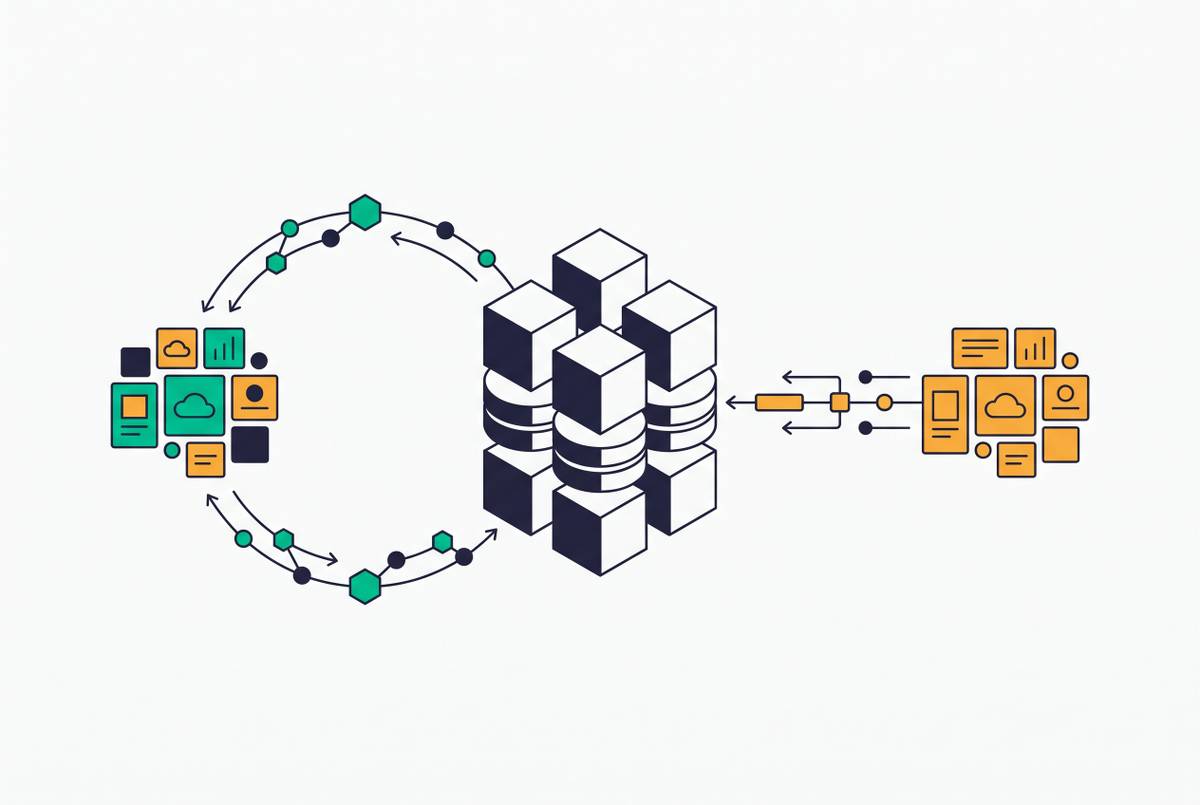
The protocol is a small REST API. A recipient's client asks a sharing server which tables it may read; the server checks the recipient's credential and answers with the table's metadata and short-lived, pre-signed URLs to the underlying data files in S3, Azure storage, Google Cloud Storage or Cloudflare R2. The client then reads those files directly from storage.
Three consequences matter for a SaaS team:
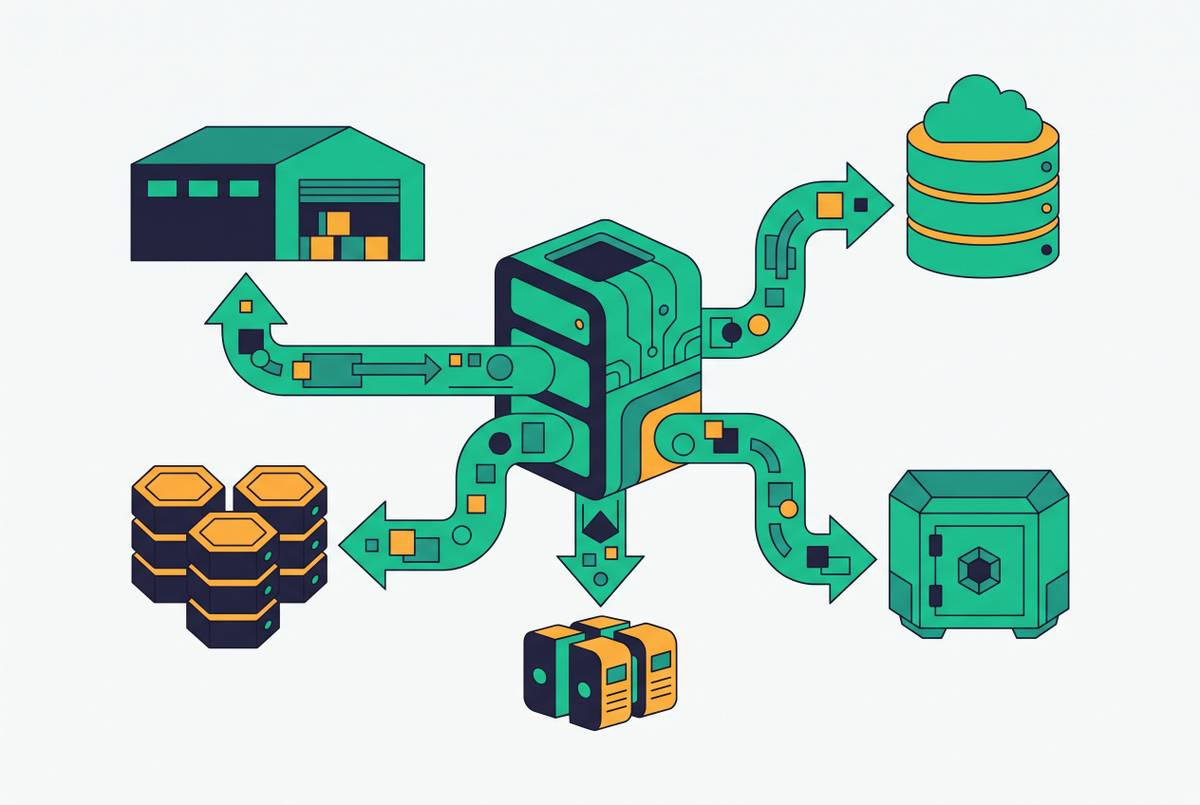
- No copy lands in the customer's account. The data stays in your storage. When you update a table, the recipient sees the update on their next read, with no sync job in between.
- The recipient brings the compute. Reads happen in the customer's pandas, Spark, BI tool or Databricks workspace. You run the sharing server (or Databricks runs it for you), not their queries.
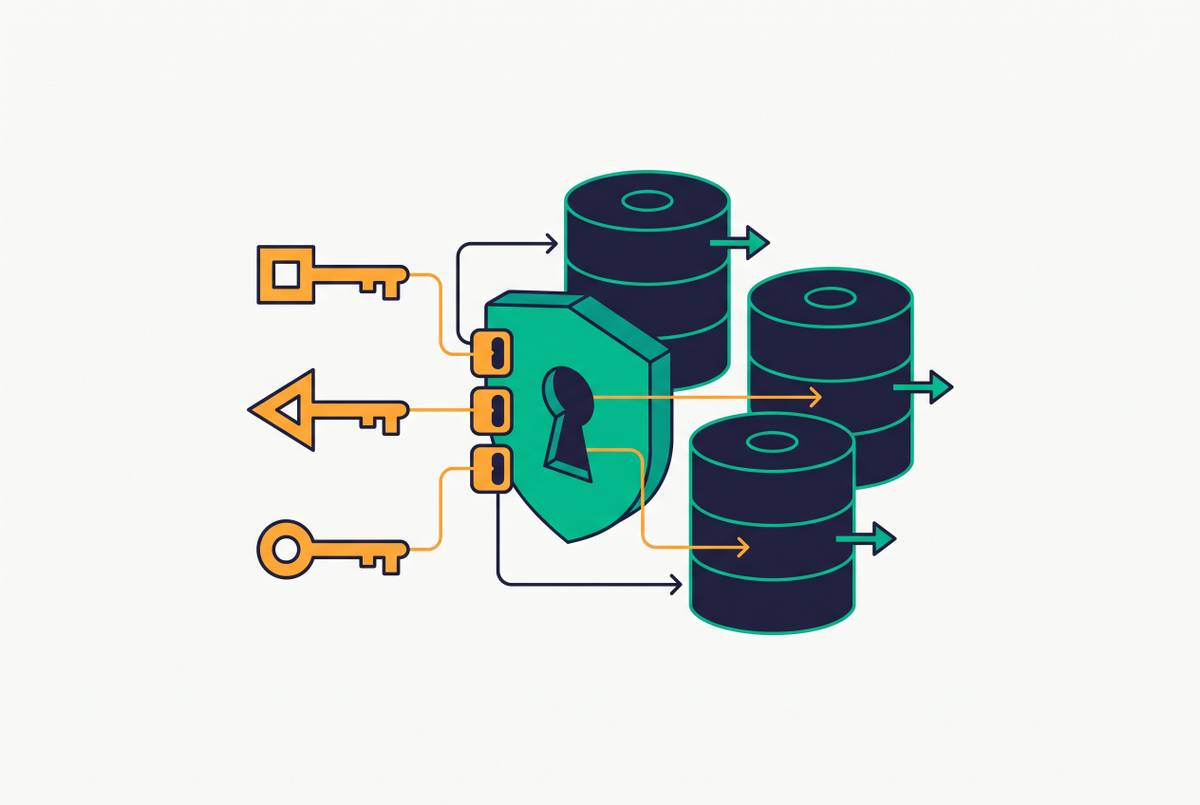
- Access is a credential, not a network path. Revoking a recipient, rotating its token or removing a table from a share cuts access without touching the customer's environment.
Tables are addressed as <share>.<schema>.<table>. A share is a read-only collection of tables (or table partitions); a provider is the organization sharing; a recipient is the organization reading, with a credential that grants it one or more shares.
The three ways to run it
Which mode you can offer depends on where your data lives and what your customers run.
| Mode | Your side | Customer's side | How they authenticate |
|---|---|---|---|
| Databricks-to-Databricks | A Unity Catalog-enabled Databricks workspace | A Unity Catalog-enabled Databricks workspace, on any cloud | No token: identity and auditing run through Databricks |
| Databricks-to-Open | A Unity Catalog-enabled Databricks workspace | Any client that speaks the protocol (pandas, Spark, Power BI and others) | A bearer token in a credential file, or OIDC federation with their identity provider |
| Self-hosted open-source server | The reference server from the open-source project, on your own infrastructure | Any client that speaks the protocol | A bearer token you configure |
Databricks-to-Databricks sharing can also carry views (including dynamic views that filter rows and columns per recipient), volumes, models and notebooks; the open modes share tables. The project's README describes its reference server as an implementation for development and testing rather than a complete secure web server, and recommends putting it behind a secure proxy before exposing it. Read that section before planning a customer-facing deployment on it.
What your customer needs to read a share
For open sharing, the customer receives a profile file: a small JSON file holding the sharing server's endpoint and their bearer token. With it they can:
- Load tables into pandas with the
delta-sharingPython package (pip install delta-sharing). - Read them in Apache Spark with the
deltaSharingdata source, from SQL, Python, Scala, Java or R. - Connect Power BI, Tableau and other tools listed in the project's connector table, plus community clients for Java, Node.js, Rust, Go and R.
- Read them in a Databricks workspace, with or without Unity Catalog.
Check the gap before you promise anything: if your customers' analysts live in Snowflake, BigQuery or Redshift, look for a native reader for that warehouse in the current connector list on opensharing.io and in the warehouse vendor's own docs. Where there isn't one, the customer has to run a Python or Spark job to load the share into their warehouse, which is a pipeline again, only on their side.
Isolating customers from each other
A SaaS provider shares with many customers from one dataset, so the isolation model is the design decision that matters most. The options the protocol and Databricks give you:
- One recipient per customer. Every customer gets its own credential, so you can revoke, rotate or audit one without affecting the rest.
- One share per customer, holding per-customer tables or partitions. Works in every mode, including open sharing. Shares can include individual table partitions, which suits data already partitioned by tenant.
- Dynamic views filtered on recipient properties. One shared view returns only the calling recipient's rows. Databricks documents this for recipients on Unity Catalog-enabled workspaces; confirm current support for open recipients in its docs before relying on it.
- Token and network controls. For open sharing, Databricks lets you set token lifetimes, restrict access by IP and revoke tokens on demand.
Databricks also lists table types that can't be shared, among them tables with row filters or column masks and shallow clones; check the current limitations against how your tenant tables are built.
Table formats it can share
From Databricks, shared tabular data must be in Delta or managed Iceberg tables. The open-source reference server shares Delta Lake and Parquet tables on S3, Azure Blob Storage, ADLS Gen2, Google Cloud Storage and Cloudflare R2. Tables shared with history can be read as a change feed or as a Spark Structured Streaming source, which lets a customer process only what changed instead of rescanning the table.
If you are still choosing a table format for customer-facing data, see Apache Iceberg vs Delta Lake for SaaS data export targets.
Where the cost comes from
The protocol and reference server are free under the Apache 2.0 license. Running it is not, and the bill comes from three places:
- Compute. On Databricks, sharing views, materialized views and streaming tables can mean the provider's side filters or materializes data before the recipient reads it. Who pays depends on the recipient's compute type and whether you share within one Databricks account; Databricks' docs set out each case.
- Storage egress. Recipients read straight from your storage. Reads in the same region cost no egress, but cross-region and cross-cloud reads are billed by your cloud provider. Databricks supports sharing from Cloudflare R2, which charges no egress fees.
- Your own operations, if you self-host the open-source server.
Databricks' prices for sharing and serverless compute change and vary by plan and cloud: check the current Databricks pricing page and your cloud provider's data transfer prices rather than relying on a figure quoted elsewhere.
Delta Sharing vs exporting into the customer's warehouse
The alternative to sharing is writing a copy into a warehouse or bucket the customer owns. Neither wins everywhere:
| Delta Sharing | Export into their warehouse | |
|---|---|---|
| Where the data lives | Your storage; read live | A copy in the customer's account |
| Freshness | Latest table version on each read | As fresh as the last sync |
| Customer's tooling | Clients that speak the protocol, or Databricks | Whatever warehouse they already run |
| Who pays for queries | The recipient's compute (plus your egress) | The customer's warehouse |
| Revoking access | Revoke the credential or share | The copy stays with the customer |
| Engineering on your side | Shares, recipients and isolation | A pipeline per destination type |
In practice, sharing fits customers on Databricks or with data teams comfortable in Spark and Python; export fits customers whose analysts work only inside Snowflake, BigQuery or Redshift. Many vendors end up offering both. For the Snowflake side of the same decision, read Snowflake Data Sharing vs direct warehouse export.
Before you offer Delta Sharing to customers
- List the platforms your customers read data in, and confirm a protocol client exists for each one.
- Pick the mode: Databricks-managed if your data is on Databricks, otherwise decide whether you will run and secure your own server.
- Decide the isolation model (per-customer shares, partitions or dynamic views) and test that one recipient cannot read another's rows.
- Set token lifetimes, rotation and revocation, and decide how the profile file reaches the customer securely.
- Map where your storage lives against where customers read from, and estimate egress for cross-region and cross-cloud recipients.
- Check your tables against the current list of unsupported table types and features.
- Decide what you offer customers whose tools can't read a share: usually an export into their warehouse.
Frequently asked questions
Is Delta Sharing the same as OpenSharing?
Yes. Databricks' documentation now calls its sharing platform OpenSharing; the open-source protocol, server and connectors are published as Delta Sharing.
Do recipients need a Databricks account?
No. With open sharing a recipient reads with any client that implements the protocol, such as the Python connector, Apache Spark or Power BI. Databricks-to-Databricks sharing needs a Unity Catalog-enabled workspace on both sides.
Is Delta Sharing free?
The protocol and the open-source reference server are free under the Apache 2.0 license. Sharing through Databricks can incur Databricks compute charges and cloud storage egress; check Databricks' and your cloud provider's current pricing.
Does Delta Sharing copy data to the recipient?
No. The sharing server hands the recipient short-lived pre-signed URLs to files in the provider's storage, and the recipient reads them directly. In some cases, such as shared views, Databricks materializes a filtered copy on the provider's side first.
Can I share Iceberg or Parquet tables?
From Databricks you can share Delta tables and managed Iceberg tables. The open-source reference server shares Delta Lake and Parquet tables.
Sources
- Databricks documentation: What is OpenSharing?
- delta-io/delta-sharing on GitHub
- Delta Sharing protocol specification
Filed under Data Sharing Platforms · Open Table Formats